Construction accounting coded to the job
General ledger, payables, receivables, and banking in one system. Every invoice, billing, and check carries its job and cost code, so job cost and the financial statements come from the same entries.
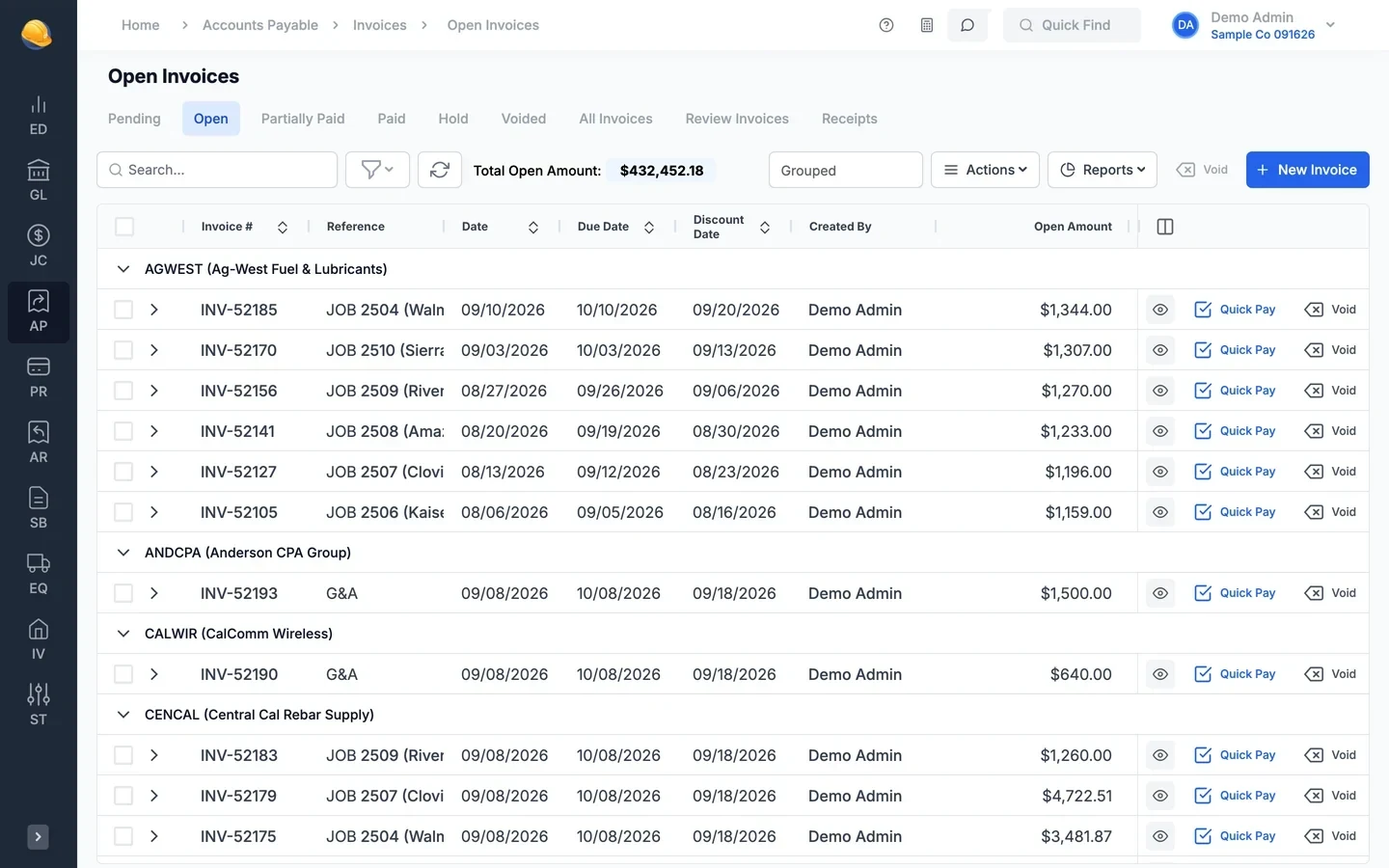
The general ledger, payables, and receivables on one set of books
AP and AR post to the general ledger as you work, and every screen can export its data or take an import.
- General ledger
Financial statements from your own layouts
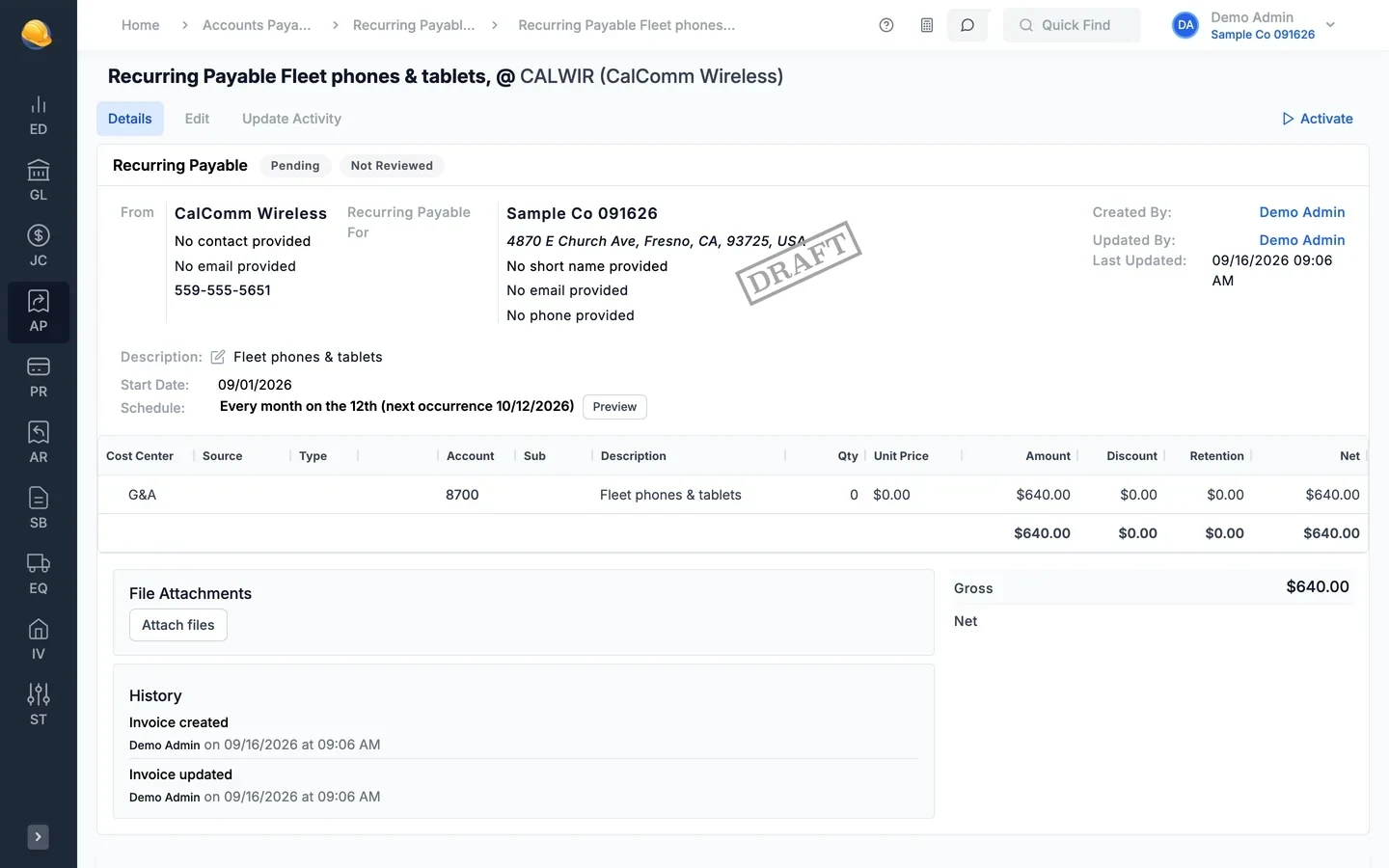
Keep the chart of accounts, sub-accounts, and budgets by period. Post single or recurring journals, reconcile bank accounts, and close periods and fiscal years. Balance sheets and income statements run from report layouts you design.
- Recurring journals and entries that reverse the next period
- Bank reconciliation, with statement lines read from a PDF or photo
- Budget to actual, trial balance, and account balance comparisons
- Open, close, and reopen periods and fiscal years
- Accounts payable
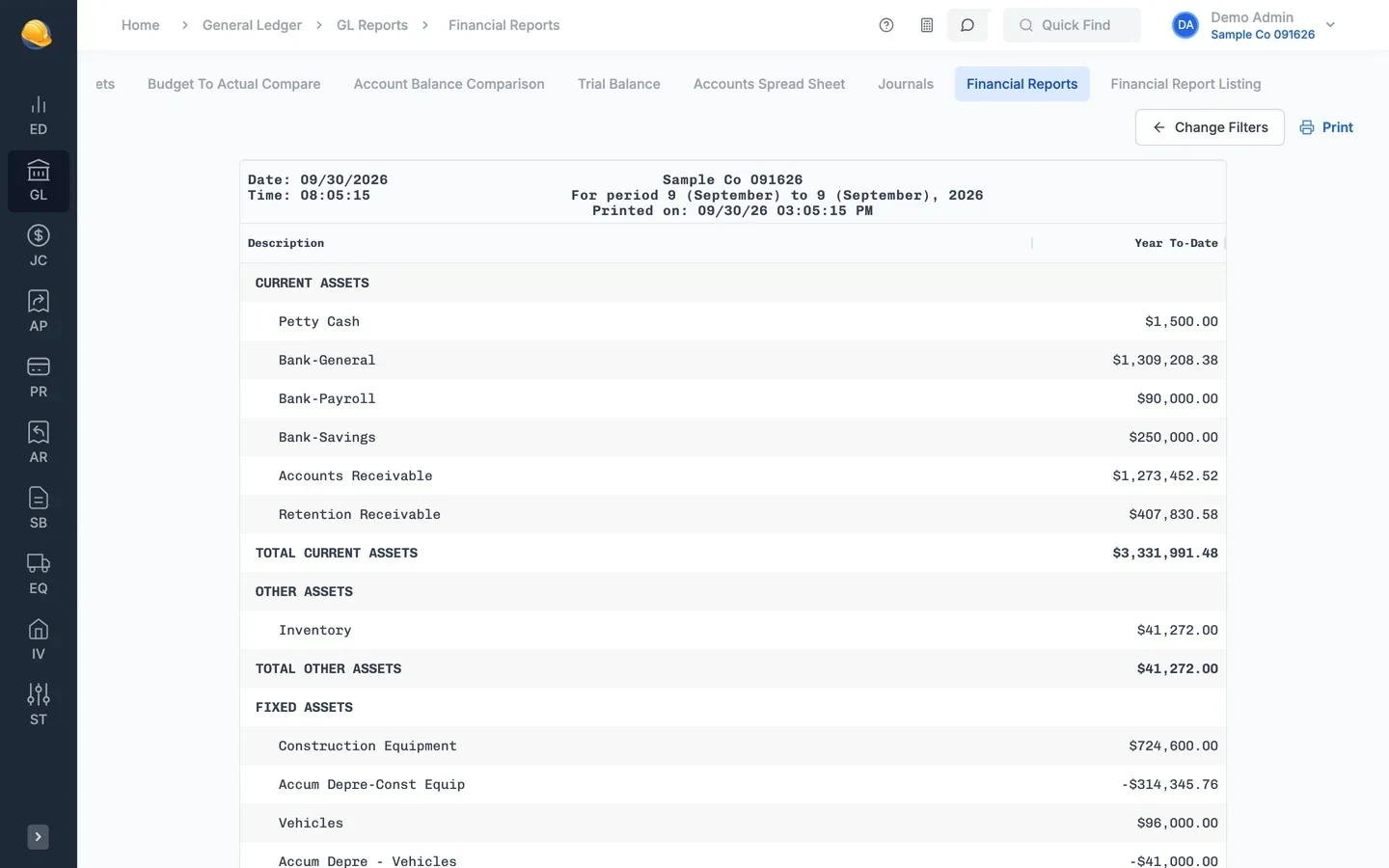
Vendor invoices read from the PDF
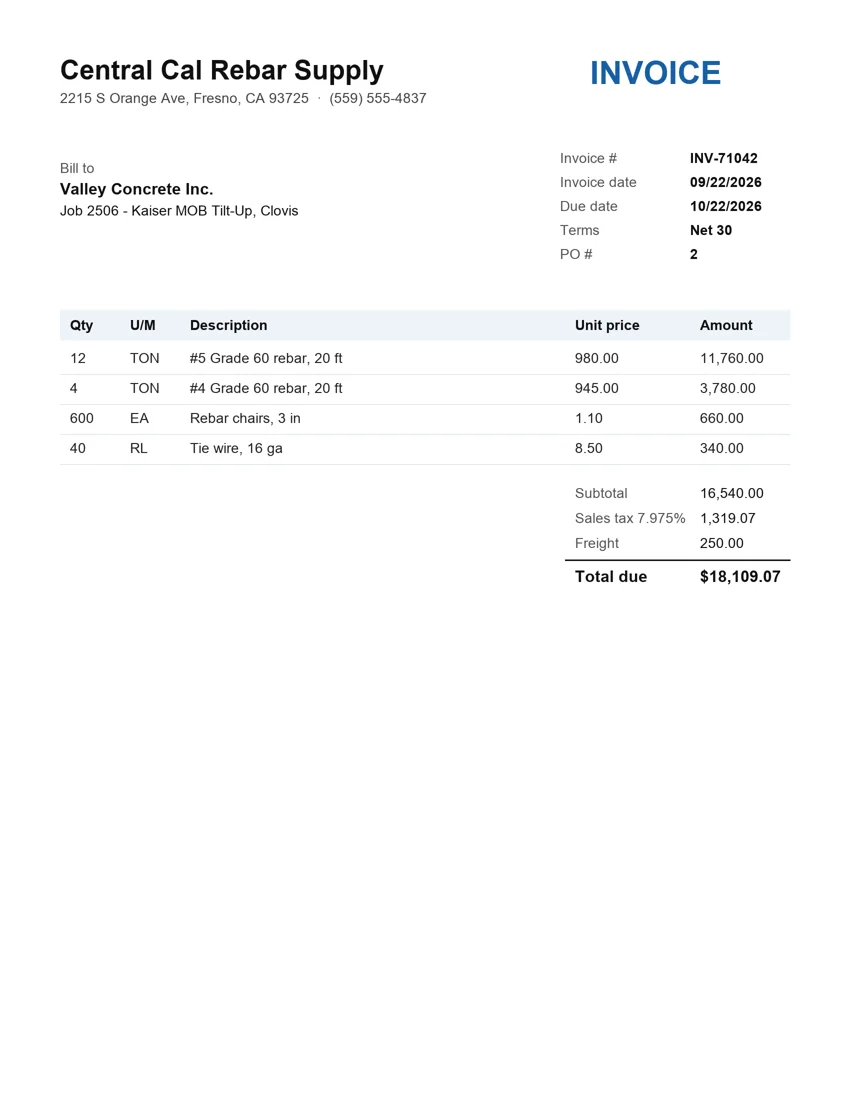
Drop a vendor invoice PDF or photo on the invoice form. The vendor, invoice number, dates, amounts, PO number, and each line are filled in and matched to the job and cost type, for you to review before saving.
- Approval queue before invoices are posted
- Subcontract progress invoices and retention release
- Check runs, joint checks, positive pay, and vendor direct deposit files
- Invoice lines entered against purchase order lines
- Recurring payables & 1099s
Monthly bills and year-end 1099s without re-entry
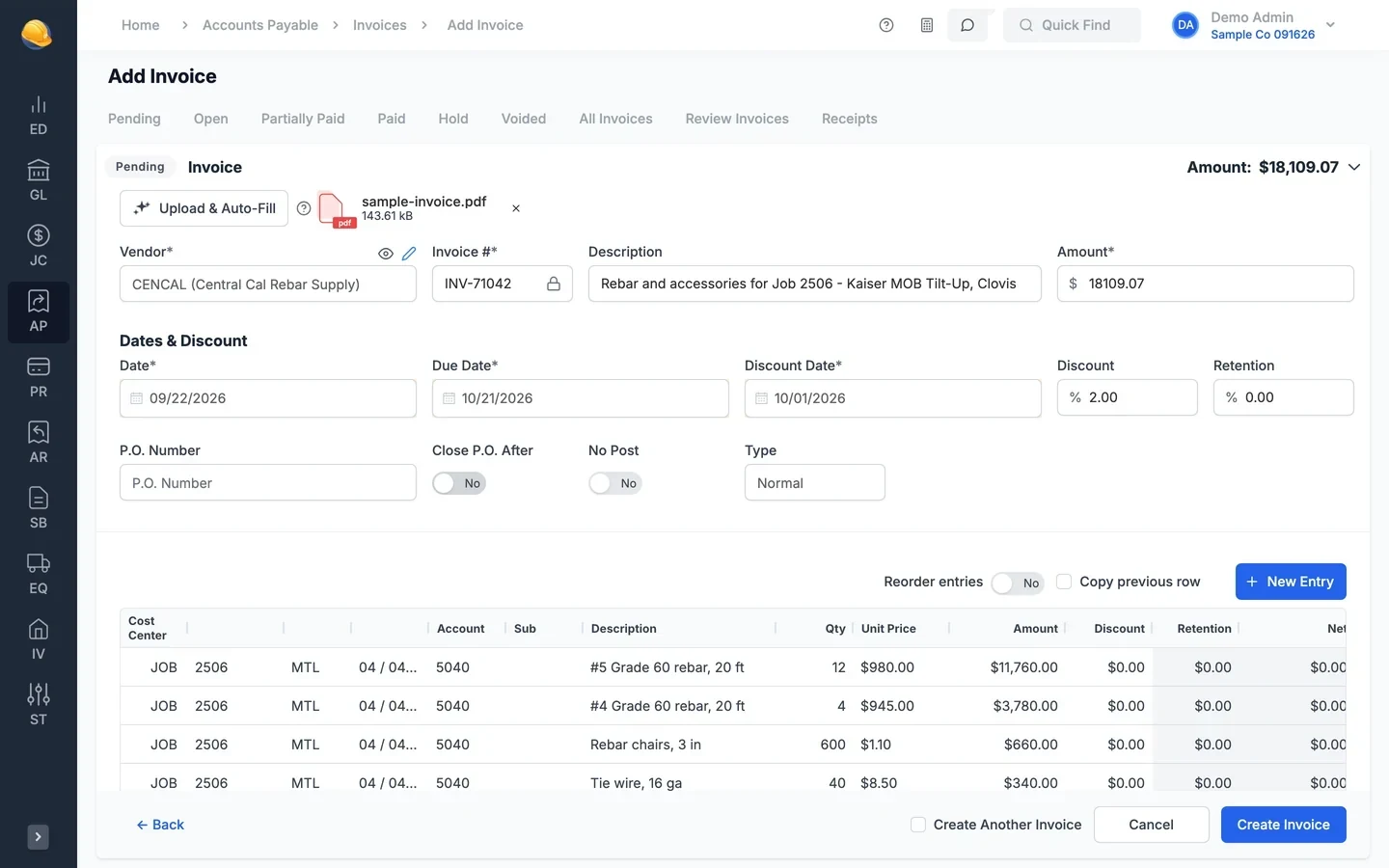
Set up rent, phone, equipment leases, and other repeat vendor bills once with a schedule, and invoices are created on each due date for review. At year end, vendor payments roll into 1099 batches by tax year.
- Recurring invoices on a schedule, such as every month on the 12th
- Review queue and activity log before recurring invoices post
- Yearly 1099 batches from vendor payments, with a proof listing
- Printed 1099 and 1096 forms, IRIS upload files, and 1099s emailed to vendors
- Accounts receivable
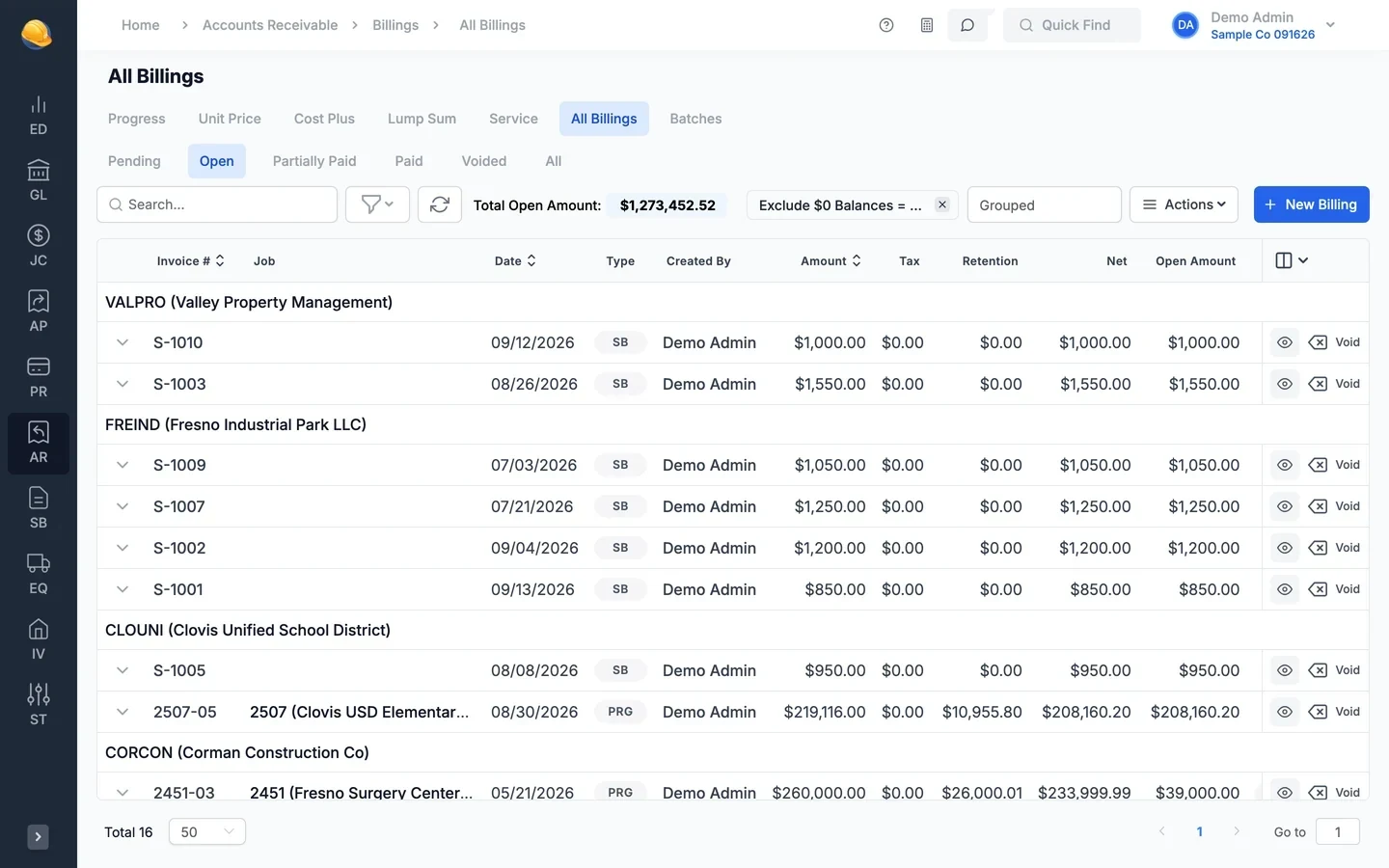
Every way contractors bill
Bill progress, unit price, cost plus, lump sum, and service work from the same customer records. Progress billings print on AIA-style G702/G703 forms, and retention is tracked until you release it.
- Progress, unit price, cost plus, lump sum, and service billings
- Recurring billings for maintenance contracts
- Retention worksheets and retention release batches
- Customer statements, sales tax districts, and payment batches
- Reporting
Reports for the close and the owner
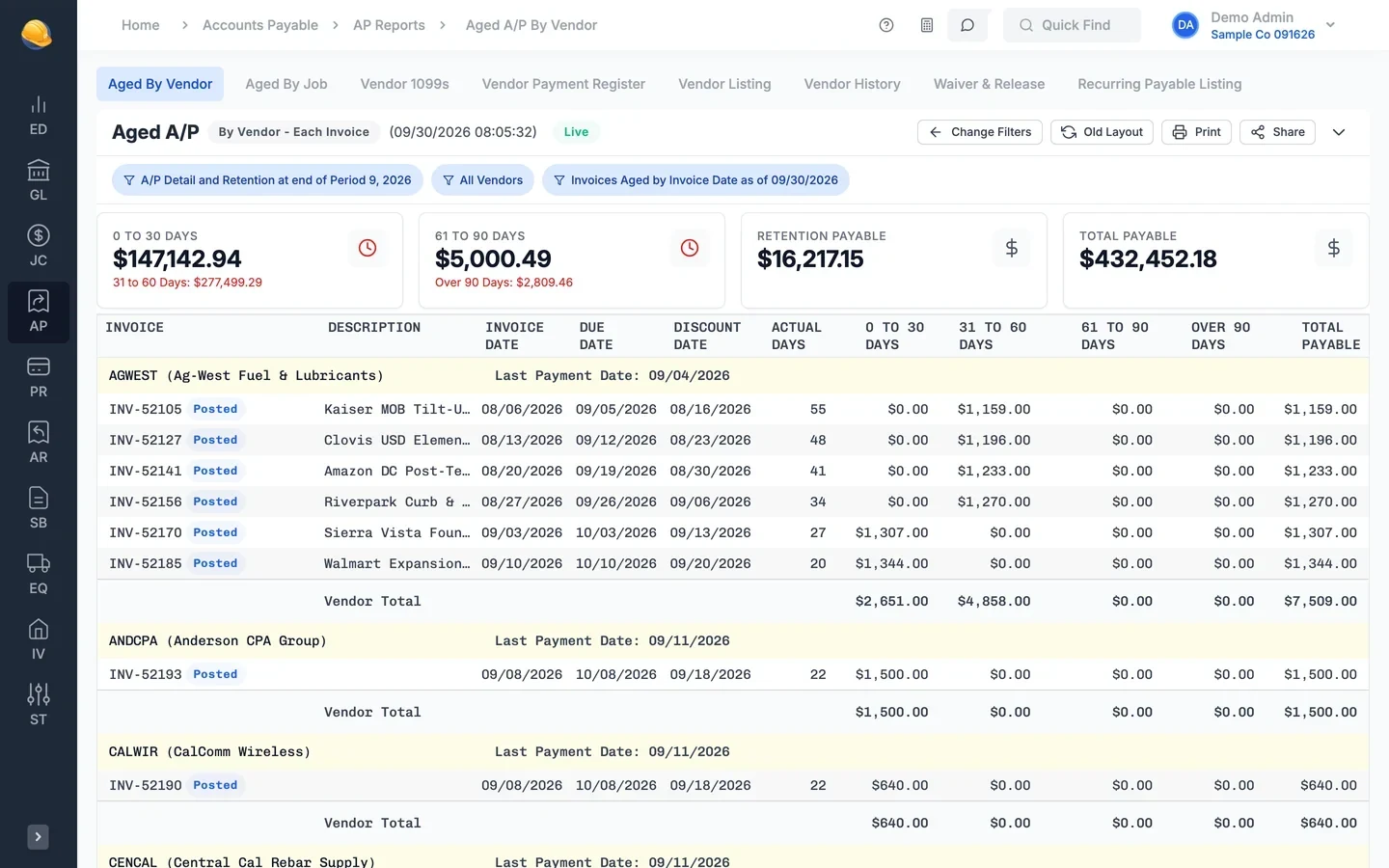
Run aged payables and receivables, vendor and customer history, trial balance, budget to actual, and job cost reports. Save report settings as presets and print or export the results.
- 35 standard reports across general ledger, payables, and receivables
- Aged by vendor, customer, or job
- Saved presets for the reports you run every month
- Print to PDF or export to Excel
- Working faster
Spreadsheet-style screens with import and export
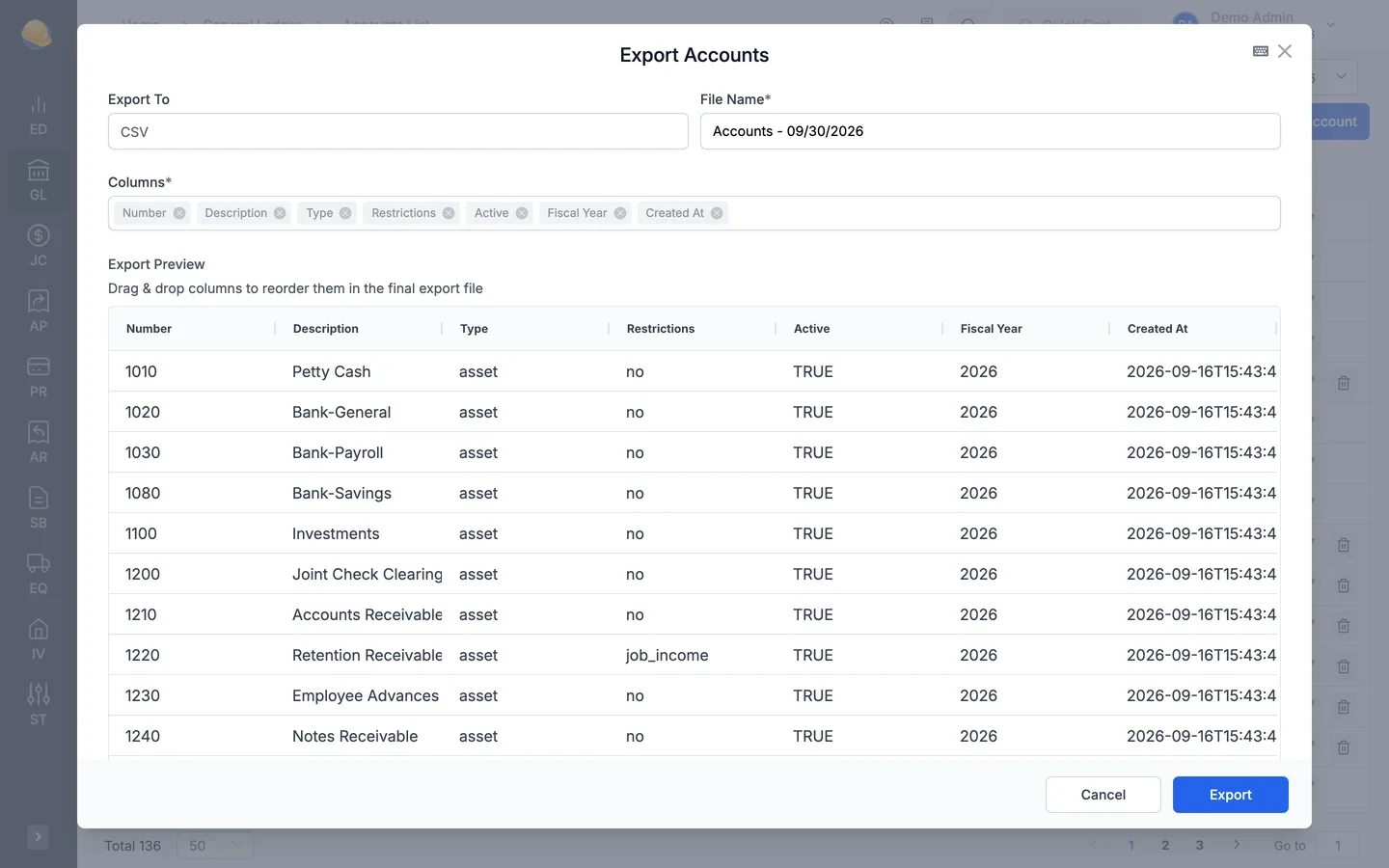
Most list and entry screens work like a spreadsheet. Edit cells in place, copy and paste rows, and export any grid to Excel or CSV. Bring vendors, customers, accounts, invoices, billings, and journals in from a file.
- Import from CSV or Excel with a downloadable template
- Export aging, vendor lists, and journals to Excel or CSV for your CPA, choosing the columns
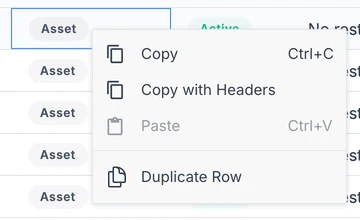
- Copy, paste, and duplicate rows from the right-click menu
- Ctrl+K to search jobs, vendors, and customers, and Ctrl+Enter to save
What's inside
Invoices, billings, and checks are coded to a job, phase, and cost code.
Vendor invoice PDFs and photos fill in the invoice form for review.
Review and approve pending AP invoices before they post.
Retention payable and receivable, with worksheets and release batches.
Issue joint checks to vendors and clear them on the receivables side.
Reconcile each account, with statement lines read from a PDF or photo.
Positive pay files for your bank and vendor direct deposit files.
Yearly 1099 batches, printed 1099 and 1096 forms, and IRIS upload files.
Design balance sheet and income statement layouts and run them for any period.
Load vendors, customers, invoices, and journals from Excel, and export any list back to Excel.
Edit invoice and billing lines in the grid, paste rows from Excel, and duplicate lines.
Ask the assistant to find a vendor, job, or invoice, or explain the screen you are on.
Coming from other software or spreadsheets?
Chart of accounts, vendors, customers, open invoices, and opening balances can be imported from CSV or Excel templates during setup.
See it run your kind of work
A 30-minute walkthrough of job cost, payroll, and billing with someone who knows construction accounting.